

Bot Management
The Bots tab is where your deployed bots live. It shows everything you are running across all exchanges in one place — live status, PnL, uptime, and order activity — with one-click controls for starting, stopping, configuring, and deleting bots. To find new bots, head to the Marketplace — the Bots tab links to it from a banner at the top, and a Browse Presets button opens the preset library directly.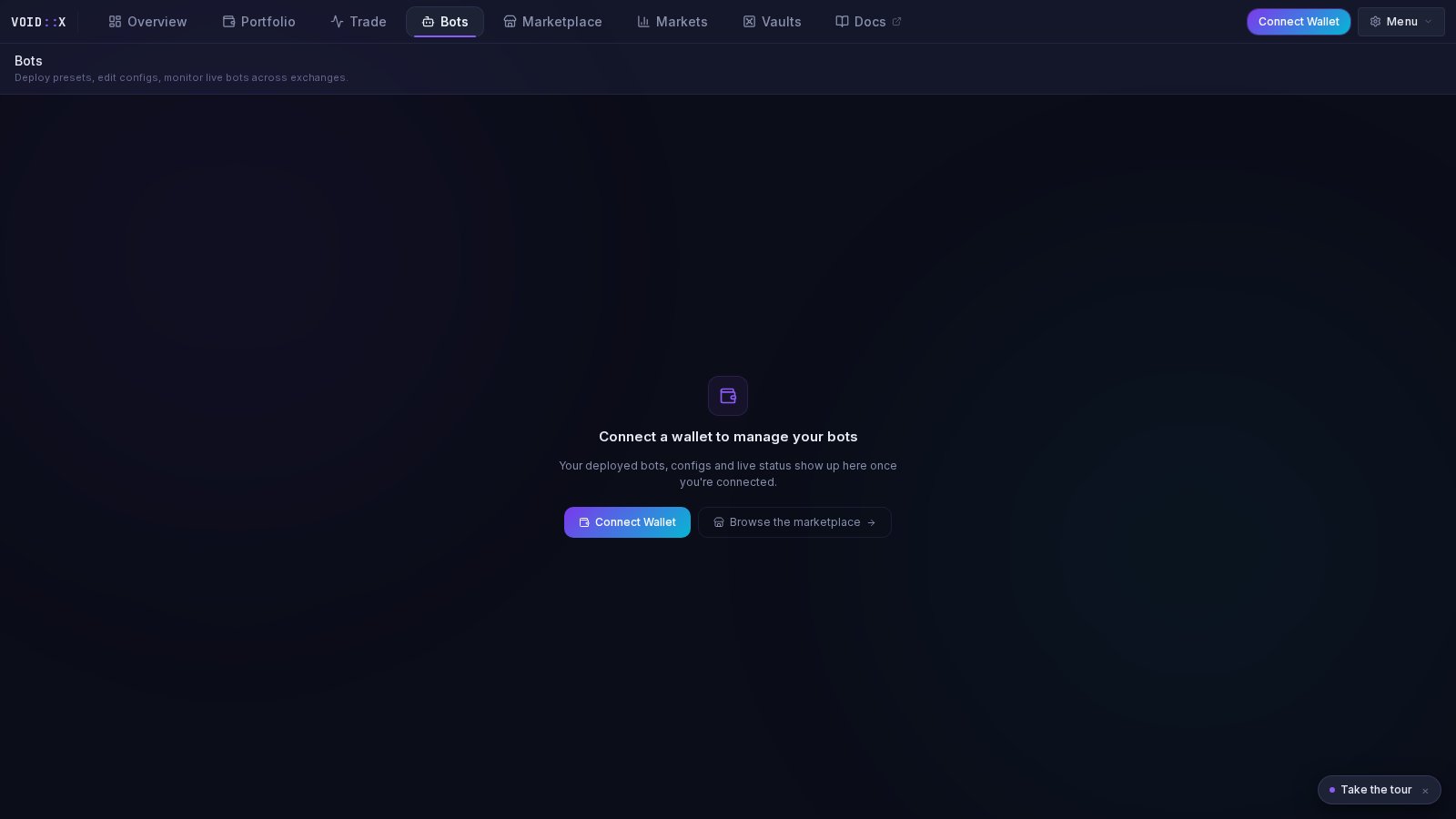
Bot management requires a connected wallet. Guests see a prompt to connect, plus a shortcut to browse the Marketplace catalog in the meantime.
What You See
Summary Band
A row of stats across the top of the bot list aggregates your whole fleet:- Active bots — running vs. total
- Combined PnL — total profit and loss across all bots
- Open positions — positions currently held by your bots
- Exchanges — which exchanges your bots are deployed on
Bot Cards
Each bot gets a glassy card showing:- Status — a pulsing green dot while running; muted when stopped, red on error
- PnL headline — the bot’s profit and loss, front and center
- Strategy and exchange badges — what it runs and where
- Symbol icons — the trading pairs it manages, with token logos
- Uptime — how long it has been running
- Orders/h — recent order placement rate
- Action buttons — Start, Stop, Settings, Delete
- Diagnostics expand — opens an inline panel with details such as uptime and open position count
Cards / Table Toggle
On desktop you can switch between Cards (the default, friendlier view) and Table (a dense row layout with Status, Bot Name, Strategy, Exchange, Symbols, Uptime, PnL, Orders/h, and Actions columns — handy when you run many bots). Your choice is remembered.Filter Chips
The My bots row filters the list: All, Running, or Stopped, each with a live count.How to Use It
Deploying a Bot
1
Open the deploy flow
Click Deploy New Bot in the Bots tab header, pick a preset from Browse Presets, or deploy straight from the Marketplace or Vaults — they all feed the same deploy wizard.
2
Review the prefilled configuration
The wizard arrives prefilled from the preset you chose. Adjust symbols or settings if you want, or accept the defaults.
3
Deploy
Confirm, and the bot starts placing orders through your saved exchange API keys.
Stopping a Bot
Click the Stop button on the bot’s card and confirm. The bot stops placing new orders.Changing Settings
Click the gear (Settings) icon on any bot card to open its configuration. Adjust parameters and save — this is also how you turn a vault or marketplace deployment into a custom setup.Deleting a Bot
Stopped bots can be removed with the Delete action. A confirmation dialog warns you that the configuration is permanently removed — this cannot be undone.Monitoring Tips
- Live refresh — bot status and PnL refresh automatically every few seconds; no manual reload needed.
- Diagnostics — expand a card’s diagnostics when something looks off; it shows uptime and open position counts straight from the bot.
- Cross-check with Trade — the Bots tab in the Trade view’s bottom drawer shows the same bots next to the live chart, so you can watch a bot’s orders against price action.
- Portfolio view — the Portfolio tab ranks your bots by PnL in the Bot performance card.
Running Multiple Bots
You can run several bots at once — on different symbols of the same exchange, or spread across exchanges. Sensible guardrails:- Keep total exposure across bots within what your account can support
- Avoid running two strategies that fight each other on the same symbol
- Start small with any new preset and scale up after you have watched it run
Troubleshooting
Bot won’t start- Exchange API keys are saved and valid (check the Add Exchange flow)
- Your exchange futures wallet has sufficient balance
- The symbol exists on the selected exchange
- Check the card’s status — an error state shows red
- Expand diagnostics for details
- Common causes: insufficient balance for the next order, expired API keys, exchange rate limits
Next Steps
- Marketplace — browse all 41 deployable presets
- Vaults — curated one-click deployments
- Trading Console — watch your bots next to the live chart
- Bot Configuration Guide — detailed parameter reference