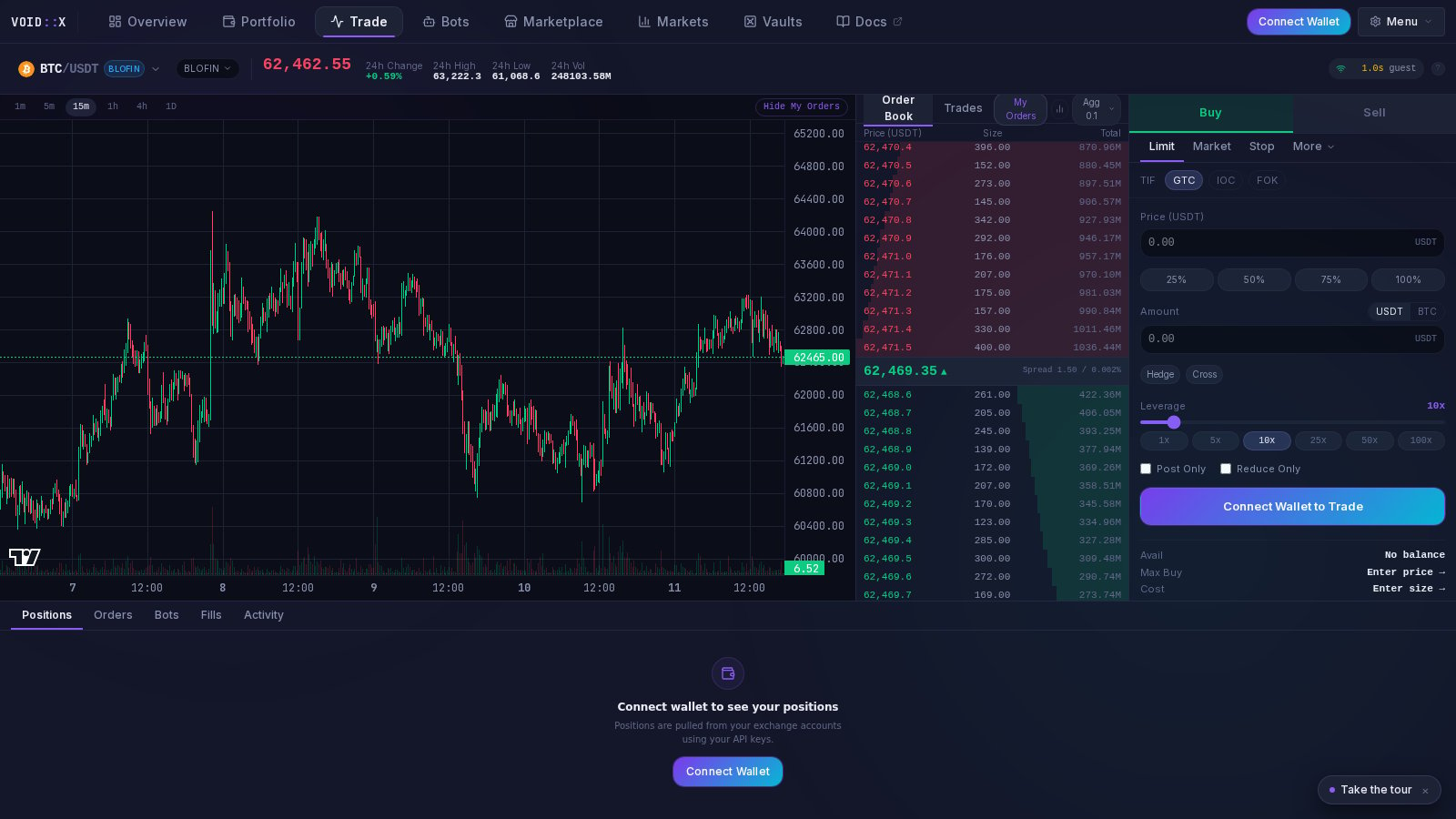
Trading Console
The Trading Console is your mission control for monitoring bot activity, debugging issues, and tracking live market data. Access detailed logs, position tracking, and order flow in real-time.
๐ Bot Logs
Real-Time Event Streaming
The bot logs display every action your bot takes:
Log Categories:
- ๐ข INFO - Normal operations (orders placed, positions updated)
- ๐ก WARNING - Non-critical issues (rate limits, retries)
- ๐ด ERROR - Critical failures (API errors, order rejections)
- ๐ต DEBUG - Detailed technical information
[2025-10-20 04:25:31] [INFO] BTCUSDT | Placed buy order: 0.05 BTC @ $67,234.50
[2025-10-20 04:25:45] [INFO] BTCUSDT | Order filled: 0.05 BTC @ $67,234.50
[2025-10-20 04:26:12] [INFO] BTCUSDT | Take profit placed: 0.05 BTC @ $67,570.00
[2025-10-20 04:27:03] [WARNING] Rate limit approaching: 85/100 requests
[2025-10-20 04:28:15] [ERROR] ETHUSDT | Order rejected: Insufficient balance
Filtering & Search
- Symbol Filter - View logs for specific trading pairs
- Log Level - Show only errors, warnings, or all levels
- Time Range - Last hour, day, or custom range
- Keyword Search - Find specific orders or events
Always check ERROR logs first when troubleshooting issues!
๐ Position Tracker
Live Position Display
Monitor all open positions across exchanges:
Position Details:
- Symbol - Trading pair (e.g., BTC/USDT)
- Side - Long or Short
- Size - Position size in base currency
- Entry Price - Average entry price
- Current Price - Live market price
- Unrealized P&L - Current profit/loss
- Liquidation Price - Price at which position gets liquidated
- Margin Used - Collateral locked
Visual Indicators
- Green Background - Profitable position
- Red Background - Losing position
- Yellow Warning - Near liquidation (within 10%)
- Pulse Animation - Recently updated position
Watch liquidation prices closelyโadd margin if positions get too close!
๐ Order Flow Monitor
Active Orders Table
Track all open orders placed by your bots:
Order Information:
- Symbol - Trading pair
- Side - Buy or Sell
- Type - Limit, Market, or Stop
- Price - Order price
- Amount - Order quantity
- Filled - Percentage filled (0-100%)
- Status - Open, Partially Filled, Filled, Cancelled
- Created - Timestamp
Order Actions
- Cancel - Cancel individual order
- Cancel All - Emergency cancel all orders for a symbol
- Modify - Adjust price or quantity (coming soon)
Order Statistics
- Total Open Orders - Count of active orders
- Average Fill Time - How long orders take to fill
- Fill Rate - Percentage of orders that execute
- Cancelled Rate - Orders cancelled vs. filled
๐ Advanced Debugging
Grid Visualization
See your botโs grid structure in real-time:
Grid Display:
- Current Price Line - Where market is trading
- Buy Grid Levels - Levels below current price (green)
- Sell Grid Levels - Levels above current price (red)
- Filled Orders - Executed grid levels (solid)
- Pending Orders - Waiting to fill (dashed)
Example Grid Visualization:
$68,500 โโโโโโโโโโโโโโโ [SELL] Take Profit โฌ๏ธ
$68,000 โโโโโโโโโโโโโโโโโโโโโโโโโโโโโโโโโโโ
$67,500 โโโโโโโโโโโโโโโโโโโโโโโโโโโโโโโโโโโ
$67,234 โโโโโโโโโโโโโโ CURRENT PRICE ๐ฐ
$67,000 โโโโโโโโโโโโโโโ [BUY] Grid Level 1 โฌ๏ธ
$66,500 โโโโโโโโโโโโโโโ [BUY] Grid Level 2 โฌ๏ธ
$66,000 โโโโโโโโโโโโโโโ [BUY] Grid Level 3 โฌ๏ธ
Use grid visualization to understand where your bot will buy/sell next!
Real-Time Metrics
Track bot performance with live statistics:
Core Metrics:
- Win Rate - % of profitable trades
- Total P&L - Cumulative profit/loss
- Daily P&L - Last 24 hours performance
- Best Trade - Largest winning trade
- Worst Trade - Largest losing trade
- Average Trade - Mean profit per trade
Time-Series Charts
- P&L Over Time - Cumulative profit chart
- Trade Distribution - Win/loss histogram
- Volume Analysis - Trading volume trends
- Drawdown Chart - Maximum drawdown tracking
Export Data
Download performance reports:
- CSV Export - All trades and metrics
- JSON Export - Raw data for analysis
- PDF Report - Visual performance summary
๐จ Alert System
Customizable Alerts
Set up notifications for important events:
Alert Types:
- Position Alerts - Large P&L changes, near liquidation
- Order Alerts - Failed orders, rejections
- Balance Alerts - Low balance warnings
- Performance Alerts - Drawdown thresholds hit
Notification Channels
- In-App - Pop-up notifications in dashboard
- Telegram - Instant messages to your phone (coming soon)
- Email - Digest reports (coming soon)
- Webhooks - Custom integrations (coming soon)
Set alerts for drawdown limits to know when to intervene manually!
Connection Health
Monitor API and exchange connectivity:
Health Indicators:
- API Status - Connected, Disconnected, Rate Limited
- WebSocket - Active, Reconnecting, Failed
- Latency - Response time in milliseconds
- Request Rate - API calls per minute
- Error Rate - Failed requests percentage
Rate Limit Monitor
Track API usage to avoid hitting limits:
BloFin Rate Limits:
- IP-Based: 500 req/min (displayed as 240/500)
- User-Based: 30 req/10s (displayed as 12/30)
- Cooldown Status: Shows if in temporary ban
Bybit Rate Limits:
- IP-Based: 120 req/min
- UID-Based: Varies by endpoint
If you hit rate limits, the bot automatically slows downโno action needed!
๐ ๏ธ Troubleshooting Console
Common Issues & Solutions
Orders Not Placing:
[ERROR] Order rejected: Insufficient balance
โ
Solution: Deposit more USDT or reduce wallet_exposure
Rate Limit Errors:
[WARNING] BloFin rate limit: 429 Too Many Requests
โ
Solution: Bot auto-slowsโwait 60s for cooldown
Position Not Updating:
[ERROR] Failed to fetch positions: API timeout
โ
Solution: Check exchange status, retry connection
Bot Stuck:
[WARNING] No activity for 10 minutes
โ
Solution: Check logs for errors, restart bot if needed
Debug Mode
Enable verbose logging for detailed troubleshooting:
{
"logging": {
"level": "DEBUG"
}
}
Debug Output Includes:
- Exact API requests and responses
- Grid calculation details
- Order placement logic
- Position management steps
Debug mode generates LOTS of logsโdisable after troubleshooting!
๐ Multi-Bot Console View
Consolidated Dashboard
When running multiple bots, see aggregated data:
Multi-Bot Features:
- Combined P&L - Total across all bots
- Per-Bot Breakdown - Individual performance
- Symbol Heatmap - Which pairs are profitable
- Exchange Comparison - Performance by exchange
Bot Selector
Quickly switch between bot logs:
[All Bots] โผ
โโโ Bybit - BTCUSDT (Geometric Long Only)
โโโ Bybit - ETHUSDT (Geometric Long Only)
โโโ BloFin - SOLUSDT (Vortex DCA)
โโโ HTX - DOGEUSDT (Vortex DCA)
๐๏ธ Console Settings
Customization Options
Tailor the console to your preferences:
Display Settings:
- Font Size - Small, Medium, Large
- Refresh Rate - 5s, 10s, 30s, manual
- Max Log Lines - 100, 500, 1000, unlimited
- Theme - Dark, Light, Matrix
Auto-Scroll:
- Enable auto-scroll for real-time log tailing
- Disable to review historical logs without interruption
Timestamps:
- UTC or local timezone
- Relative (5m ago) or absolute (04:25:31)
๐ฑ Mobile Console
The trading console is fully responsive:
Mobile Features:
- Compact Log View - Optimized for small screens
- Swipe Navigation - Switch between tabs
- Touch-Friendly - Large buttons for actions
- Pull-to-Refresh - Update data with a swipe
Use landscape mode on mobile for better log readability!
๐ Pro Tips
Efficient Monitoring
- Use Filters - Focus on specific symbols or error levels
- Set Alerts - Donโt watch 24/7, let alerts notify you
- Check Logs Daily - Catch issues early
- Export Data Weekly - Analyze performance trends
- Monitor Rate Limits - Avoid temporary bans
Reading Logs Like a Pro
Good Signs:
โ
Regular order placement
โ
High fill rates
โ
Balanced buy/sell activity
โ
Low error counts
Warning Signs:
โ ๏ธ Repeated order rejections
โ ๏ธ Unusual gaps in activity
โ ๏ธ Rate limit warnings increasing
โ ๏ธ Connection errors
Emergency Indicators:
๐จ Multiple ERROR logs in short time
๐จ "Insufficient balance" repeatedly
๐จ Liquidation price approaching
๐จ API credentials invalid
Master the console, master your bots! ๐ฎ